It might happen that the CI does not get reloaded so you can simply leave a comment on your PR with "test this please" and it will trigger a new CI build.
+# Backporting changes
+
+If a change should be backported to a `stable-*` Git branch:
+
+* Mark your PR with the GitHub label "Backport" so we don't lose track of it.
+* Fetch the latest updates into your clone: `git fetch`
+* Determine the latest available stable branch:
+ `git branch -r --list "origin/stable-[0-9].[0-9]" | sort -r | sed 1q`
+* Create a new local branch for your PR, based on the stable branch:
+ `git checkout --no-track -b my-backported-change origin/stable-2.2`
+* Cherry-pick your change: `git cherry-pick -x (your-sha1)`
+* Create a new pull request against the `stable-2.2` branch.
+* Ensure that your PR's title has the prefix "backport:", so it's clear
+ to reviewers what this is about.
+* Add a comment in your backport PR linking to the original (master) PR.
+
+All changes to the stable branches should land in master first, so we avoid
+regressions.
+
+Once this is done, one of the project maintainers will tag the tip of the
+stable branch with your change. For example:
+
+```
+git checkout stable-2.2
+git pull --ff-only
+git tag v2.2.5
+git push origin v2.2.5
+```
+
+You can query backport-related items in GitHub:
+* [all PRs labeled as backport candidates](https://github.com/ceph/ceph-ansible/pulls?q=is%3Apr%20label%3Abackport). The "open" ones must be merged to master first. The "closed" ones need to be backported to the stable branch.
+* [all backport PRs for stable-2.2](https://github.com/ceph/ceph-ansible/pulls?q=base%3Astable-2.2)
+ to see if a change has already been backported.
+
## Vagrant Demo
[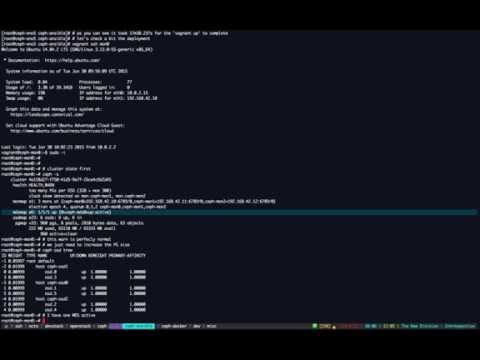](https://youtu.be/E8-96NamLDo "Deploy Ceph with Ansible (Vagrant demo)")
 projects / ceph-ansible.git / commitdiff